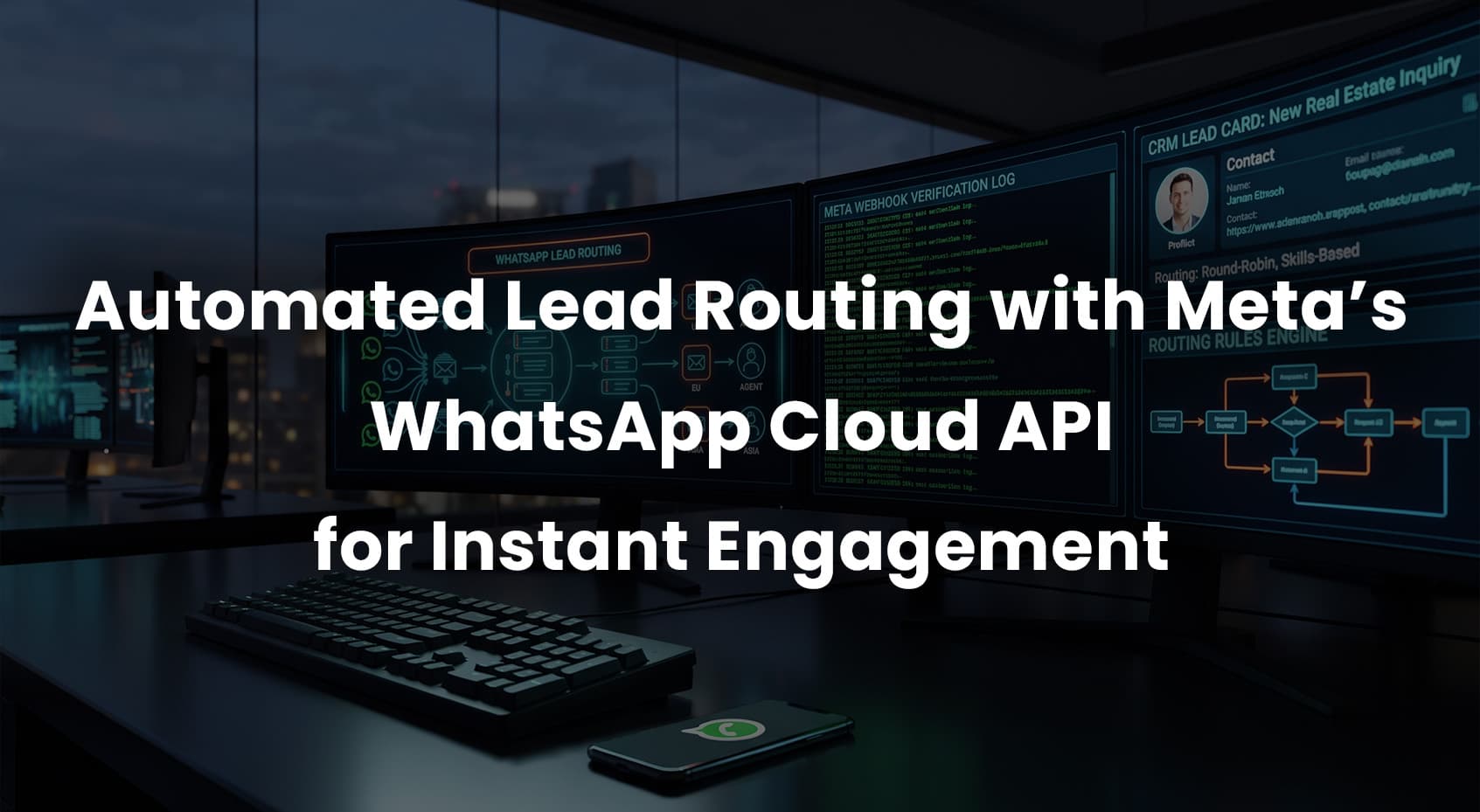
If your sales team takes minutes (or hours) to respond, you’re losing deals. The fastest fix is to meet leads where they already are—on WhatsApp—and route them to the right agent in seconds. This guide shows you how to build automated lead routing with WhatsApp Cloud API integration, set up the Meta API webhook, and push data into your CRM for instant engagement. The examples focus on real estate lead gen, but the same pattern works for e-commerce, financial services, healthcare, and B2B.
Executive Overview
Goal: Collect a lead from any source (forms, ads, landing pages), send a WhatsApp message immediately, and auto-assign the conversation to the best agent. Log everything in your CRM and measure speed-to-lead, first response time, and conversions.
Core components:
- WhatsApp Cloud API integration for sending/receiving messages.
- Meta API webhook setup to receive message events and delivery updates.
- Routing engine (rules-based) to auto-assign leads.
- CRM WhatsApp automation to create/update contacts, deals, tasks, and SLAs.
- Templates for the first outbound message (outside the 24-hour window).
Architecture At-A-Glance
- Lead Source (Facebook Lead Ads, website, property portal) → Webhook → Queue
- Routing Service (rules: geo, price band, language, workload, shifts)
- WhatsApp Cloud API (send template, collect replies) + Meta Webhook (receive events)
- CRM (HubSpot, Salesforce, Zoho, Pipedrive) for records, tasks, SLAs, and reporting
Step-by-Step: WhatsApp Cloud API + Webhook
1) Prepare Your Meta App & WhatsApp Business Account
- Create a Meta app in Meta for Developers, add the WhatsApp product.
- Connect a WhatsApp Business Account (WABA) and phone number.
- Get a temporary token for tests, then create a system user in Business Manager and generate a long-lived token for production. Store it securely.
Tip: Assign least-privilege roles and rotate tokens regularly. Don’t hardcode secrets.
2) Meta API Webhook Setup
WhatsApp Cloud API uses Meta’s Graph Webhooks. You need an internet-accessible HTTPS endpoint for verification and events.
- Create your webhook endpoint with two handlers:
- GET for the verification challenge (
hub.challenge and hub.verify_token).
- POST for incoming message and status events.
- In your Meta app → Webhooks → WhatsApp, add your Callback URL and Verify Token.
- Subscribe to your WABA for messages, message_template_status_update, and message_status events.
Verification handler (concept):
// GET /webhook?hub.mode=subscribe&hub.challenge=123&hub.verify_token=YOUR_TOKEN
if (query["hub.verify_token"] === YOUR_TOKEN) return hub.challenge; else return 403;
Security: Validate X-Hub-Signature-256 on POSTs using your App Secret (HMAC SHA-256). Reject unsigned/invalid payloads.
3) Send a WhatsApp Message
Use approved message templates for the first outbound message (outside the 24-hour session). Personalize with variables.
POST https://graph.facebook.com/v20.0/PHONE_NUMBER_ID/messages
{
"messaging_product":"whatsapp",
"to":"E164_MSISDN",
"type":"template",
"template":{
"name":"lead_welcome_v1",
"language":{ "code":"en" },
"components":[{
"type":"body",
"parameters":[{ "type":"text", "text":"Adeel" },{ "type":"text", "text":"2 BHK, Downtown" }]
}]
}
}
Note: Keep templates neutral and compliant (no prohibited content). Include clear opt-out instructions where required.
4) Receive and Parse Events
When a user replies, your webhook receives a messages event. Extract the sender (from), message ID, type, and timestamps. Store idempotently.
{
"entry":[{
"changes":[{
"value":{
"messages":[{ "from":"1415xxxxxxx", "id":"wamid...", "type":"text", "text":{ "body":"I want a 3 BHK" } }],
"contacts":[{ "wa_id":"1415xxxxxxx", "profile":{ "name":"John" } }]
}
}]
}]
}
How to Fix It if you get duplicates: Use the message id as a unique key. Make inserts upsert/idempotent.
5) CRM WhatsApp Automation
On each new message or lead event:
- Create/Update the Contact with WhatsApp number as a primary field.
- Attach a Deal/Opportunity and set stage (e.g., New Inquiry).
- Log the WhatsApp message as an activity.
- Assign owner based on routing rules (see below).
- Start SLAs (e.g., respond within 5 minutes) and notify via email/Slack.
Popular CRMs: HubSpot (Engagements API), Salesforce (REST/SObject + Omni-Channel), Zoho (CRM API v2), Pipedrive (Activities/Leads API). Map fields like budget, location, property type, and source (Facebook Ads, Google, Organic).
Routing Rules That Actually Work
Use a simple rules engine first; add ML later. Start with deterministic routing so sales trusts the system.
| Routing Mode |
When to Use |
Example Rule |
CRM Implementation |
| Round-robin |
Fair load across a small team |
Assign to next available agent in cycle |
Set owner by queue index; rotate pointer |
| Skills-based |
Language or product expertise needed |
If language=Spanish → Spanish pool |
Match lead tags to agent skills property |
| Geo/Region |
Real estate territories or multi-city ops |
Zip in [941xx] → SF team |
Lookup region table → map to team/owner |
| Price band |
High-value deals need seniors |
Budget ≥ $1M → Senior agents |
Deal property triggers owner reassignment |
| Time-based |
Follow-the-sun or shifts |
22:00–06:00 → Night shift queue |
Shift calendar + on-call escalation path |
| Load-aware |
Prevent overload |
If open deals > 30 → skip agent |
Pull open count from CRM each assign |
Real Estate Lead Gen: Example Flow
- Lead capture: Facebook Lead Ads sends payload to your endpoint via Facebook Webhooks or Ads webhook bridge.
- Consent check: Confirm WhatsApp opt-in (store timestamp, source).
- Immediate WhatsApp message: Send a template like “Thanks for your interest in {project}. Reply 1 to schedule a viewing, 2 to view floor plans.”
- Routing: Parse location/price intent. Assign based on region + price band rules.
- CRM update: Create contact + deal. Set owner. Start SLA timer. Create task “Call in 5 min.”
- Agent handoff: If the user replies, send agent’s name and a booking link. Log all messages in CRM.
- Payment/booking: Send a payment link (Stripe Checkout/Razorpay/UPI) or appointment deposit link. Update deal stage on payment webhook.
This helps: Keep speed-to-lead under 60 seconds, reduce no-shows with quick confirmations, and move qualified buyers to site visits faster.
Message Types You’ll Actually Use
- Templates for the first outbound touch, reminders, confirmations, and document delivery links.
- Interactive (list messages, quick replies) to collect intent without an agent.
- Media to send floor plans, brochures, photos, short videos.
- Location to share site visit points or office addresses.
24-hour window rule: After the user’s last message, you can send freeform service replies for 24 hours. Outside that, you must use an approved template.
Event-Driven Automation (Recommended)
Move from request/response to events so you don’t lose messages during spikes.
- Webhook → Queue (e.g., SQS, Pub/Sub, Kafka) for durability and scaling.
- Workers for parsing messages and applying routing rules.
- CRM worker to update records and SLAs.
- Notifier to alert agents via Slack/Email if SLA breach is near.
Compliance, Consent, and Quality
- Opt-in: Collect explicit consent for WhatsApp and store proof (source, time, IP/referrer).
- Policies: Follow Meta’s business messaging and template guidelines.
- Privacy: Map GDPR/CCPA rights. Provide opt-out keywords (e.g., STOP) and honor DND lists.
- Quality: Monitor template rejection rates, blocks, and quality score. Adjust messaging if quality drops.
Common Pitfalls (and How to Fix Them)
1) Webhook Not Verifying
How to Fix It: Ensure your GET handler returns the raw hub.challenge. The verify token must match exactly. Use HTTPS with a valid cert.
2) Signature Not Validated
How to Fix It: Compute HMAC SHA-256 over the raw request body with your App Secret. Compare to X-Hub-Signature-256 using a constant-time compare.
3) Hitting the 24-Hour Window
How to Fix It: If it’s been more than 24 hours since the user’s last message, send an approved template instead of freeform text.
4) Template Rejections
How to Fix It: Avoid spammy wording, include brand name, provide clear utility, and add opt-out instructions where applicable. Keep variables contextual.
5) Duplicate or Out-of-Order Events
How to Fix It: Make writes idempotent using message IDs. Use event timestamps and sort where necessary. Don’t assume sequence.
6) No Observability
How to Fix It: Log message IDs, status callbacks, template names, and routing decisions. Build dashboards for speed-to-lead, response time, and conversion rate by template.
Payments and Checkout from WhatsApp
Depending on your market, native WhatsApp payments may be available. If not, use payment links (Stripe Checkout, Razorpay, PayPal) and pair them with your own webhook to mark deals as “Payment Received”. Include a unique reference in the link to reconcile easily.
Best Practices:
- Short links with UTM or order IDs for tracking.
- Send a confirmation message after successful payment (template if outside 24 hours).
- Handle refunds/voids by updating the CRM stage and notifying the agent.
Performance and Reliability Tips
- Retry with backoff for transient Graph API errors. Respect rate limits.
- Dead-letter queues for poison messages and webhook parsing failures.
- Store phone_number_id and WABA IDs per message to avoid misrouting across brands.
- Timezones: Normalize to UTC in storage; display in user’s and agent’s local zone.
- Testing: Use sandbox/test numbers, then run canary releases before full rollout.
Future Outlook
Two clear trends: richer commerce in chat and smarter triage. Expect more interactive components (catalog, carts) and tighter CRM sync. For routing, teams will move from simple rules to AI-assisted triage—classifying intent, budget, and urgency from the first message to prioritize and assign automatically. Keep the rules engine as a safety net so explainability stays intact.
Quick Implementation Checklist
- Meta app + WABA ready, long-lived token stored securely.
- Webhook URL online; verification + HMAC signature checks passing.
- Templates approved for welcome, reminder, confirmation.
- Routing rules created (region, language, price band, load, shifts).
- CRM fields mapped; contacts, deals, activities syncing.
- Dashboards for speed-to-lead and SLA compliance.
FAQ
How do I set up the Meta API webhook for WhatsApp Cloud API?
Create a public HTTPS endpoint with GET (verification) and POST (events). In Meta for Developers, add your Callback URL and Verify Token, subscribe to WhatsApp events, and deploy HMAC signature validation using your App Secret.
Can I send the first WhatsApp message to a new lead automatically?
Yes—use an approved template. For user-initiated conversations inside 24 hours, you can send freeform service replies. Outside 24 hours, templates are required.
What’s the best routing method for real estate leads?
Combine geo/region (territories), price band (high-value to senior agents), and language. Use round-robin within each qualified pool. Fall back to time-based routing for after-hours.
How do I connect WhatsApp to my CRM?
Use your middleware to receive webhooks, transform payloads, and call CRM APIs. Create or update the Contact by phone/WhatsApp ID, log messages as activities, create a Deal, assign owner via routing rules, and start SLA timers.
Final Thoughts
Automated lead routing with WhatsApp Cloud API is the fastest path to better speed-to-lead and higher conversions. Start with a clean webhook setup, a few high-quality templates, and practical routing rules. Add analytics and payments once the core flow is stable.
Need help implementing this end-to-end? We design, build, and deploy production-grade AI-powered WhatsApp and CRM automations complete with intelligent routing, real-time analytics, and enterprise QA guardrails. Reach out with your current tech stack and target market, and we will map out a custom 2–4 week rollout plan for your business.